Events
Batizados, workshops, festivals and rodas: from a draft to a published event with people signed up.
For group owners, admins and staff · 4 min · Updated 2026-07-30
Events are where a capoeira group shows up in the world. In the hub every event — a Tuesday roda, a workshop, a batizado, a festival — goes through the same short life: you create a Draft, you complete what is missing, you send it for review, and once it is Published it gets a public page with a link you can share.
You will find events under Events in the sidebar, in the Marketing & Events section.
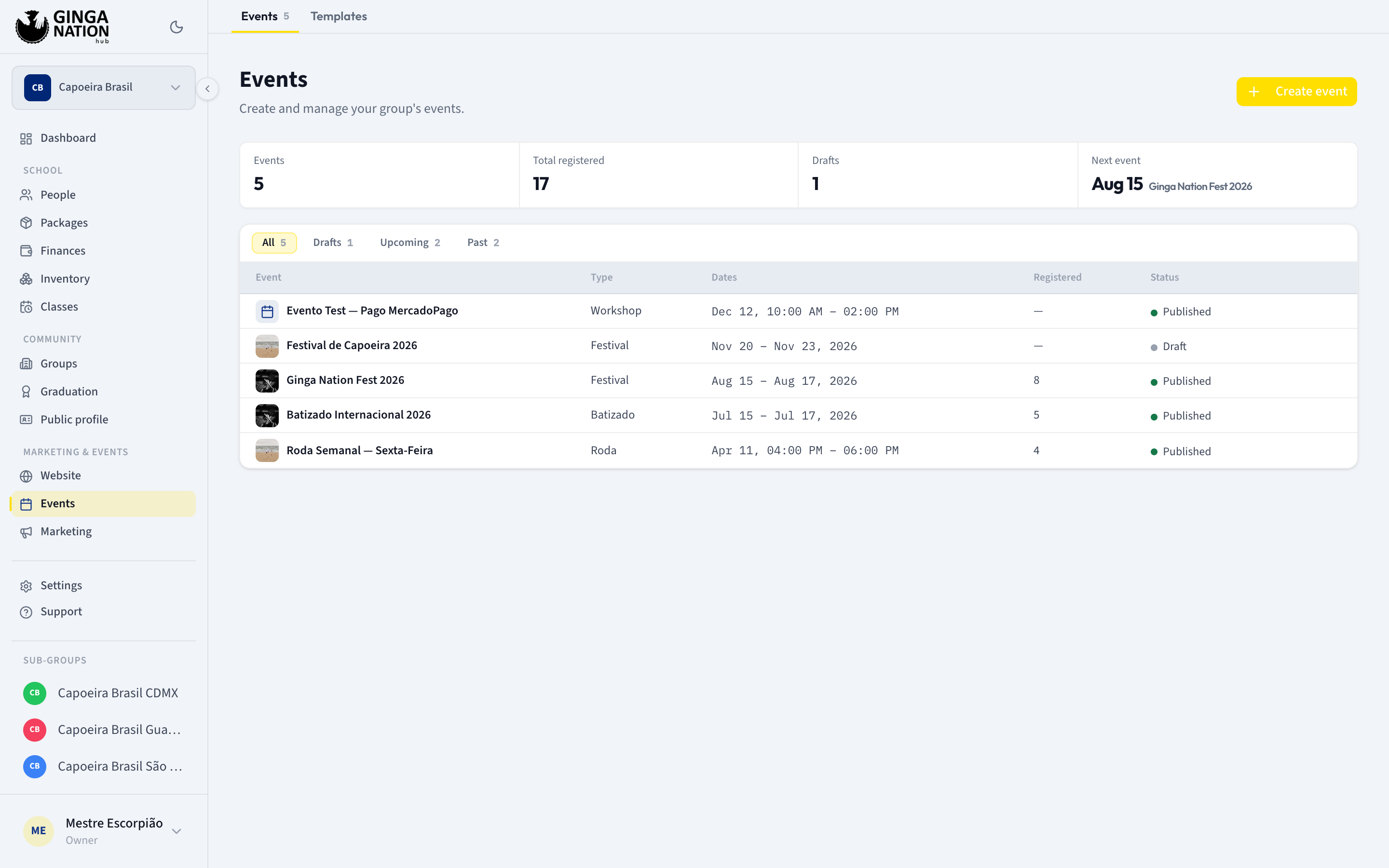
The arc of an event
Draft
The Create event wizard asks how people sign up first, then the basics, and saves the event as a Draft. Nothing is public yet, and you can keep editing for as long as you like.
Published
A draft becomes public through Submit for review. Ginga Nation checks it and approves it — the status goes Draft → Under review → Published — and only then does the event get its public page.
Registrations
How people sign up depends on the registration type you picked: nobody signs up at all, they register for free, or they pick a paid package. Everyone who signs up lands in the Registrations tab of the event.
The day itself
Beforehand you have the full list, its filters, and an Export CSV button to take offline. Attendees can save their ticket to Apple Wallet or Google Wallet from the Ginga Nation app, and that pass carries the QR code used at check-in — the hub itself has no check-in screen. Scanning happens on your phone, in the app: see Check in attendees at the door.
Guides in this section
Create your first event
The two-step wizard, what it asks first, and the draft you end up with.
Publish your event
The To publish checklist, the review by Ginga Nation, and where the event appears afterwards.
Set up registration
Casual attendance, free or paid sign-up, the deadline and the capacity limit.
See who is coming
Read the registration list, understand every column, and manage a single sign-up.
Check in attendees at the door
Scan each ticket from your phone, and handle the balance still owed, the group purchase and the QR that will not read.
Invite a special guest
Invited mestres, speakers and sponsors — a flow of its own, separate from registrations.
Reuse a guest form template
Decide once what you ask your guests for, then assign it to every guest.
Who can do what
| Create and edit an event | Submit it for review | Manage a single registration | |
|---|---|---|---|
| Owner | Yes | Yes | Yes |
| Admin | Yes | Yes | Yes |
| Staff | Yes | No | No |
| Member | No — only sees the list | No | No |
Roles are per group and are not inherited: being an admin of a parent group gives you no permission over a child group's events.