Students & enrollment
Enroll capoeiristas, keep the roster clean, and track who is active.
For group owners, admins and staff · 3 min · Updated 2026-07-30
Everything about the people who train with you lives in one place in the hub: the People area. This section covers how capoeiristas get onto your roster, how you review who asked to join, how you keep the list honest month to month, and how you record graduations.
The two ways a capoeirista lands on your roster
The hub has no "new student" button. Every capoeirista is created by a form that someone fills in — either the student (or their guardian), or you filling it in on their behalf. There are exactly two forms, and they behave differently:
| Registration form | Census form | |
|---|---|---|
| Where you turn it on | People → Public form | Website → Configuration → Census |
| Public address | /s/<your-slug>/join | /s/<your-slug>/census |
| Who can be signed up | Yourself, or a guardian signing up one or more children | One person per submission |
| Can attach a PDF agreement | Yes | No |
| What it creates | A Pending request you must approve | An Active capoeirista, immediately |
| Where it lands | People → Registrations | People → Students |
Use the registration form for real enrollment: it asks who is signing up, supports a guardian with several children, can require a signed agreement, and nothing reaches your roster until you approve it. Use the census form when you just want to collect a headcount of existing capoeiristas without reviewing each one.
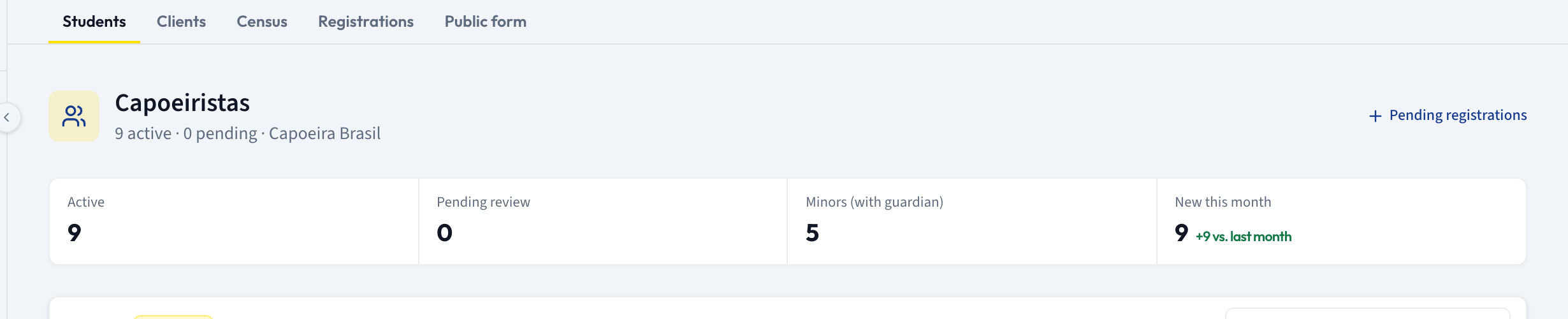
The five tabs
Opening People in the sidebar lands you on Students and shows five tabs:
- Students — your roster. Search, filter by status, open a record and edit it.
- Clients — the people who pay: a student who signed themselves up, or a guardian who signed up children. It is a billing view (subscriptions, monthly revenue) that belongs with the packages and finance features, not with roster work, so these guides do not cover it.
- Census — records collected through the census form.
- Registrations — the approve/reject queue for the registration form.
- Public form — the editor for the registration form and its shareable link.
The Census tab does not currently list anything — it reports an error instead of the records. Census submissions are not lost: they land on the Students tab like any other student, with a Census badge on the record.
Graduation is the exception in this section: it sits under Community in the sidebar and is open to every account, so you can build your cord system before People is available to you.
Guides in this section
Add your first student
What a student record holds, and the shortest path to your first one.
Collect enrollments with a form
Build the public registration form, share the link, and know where submissions go.
Review and approve enrollment requests
Work the Registrations queue and understand what approval creates.
Keep your roster up to date
Search, filter, edit a student, and take someone off the active list.
Set up graduations and record a cord
Build your group's cord system and assign a graduation to a student.